Mikrotik DHCP script to add simple queue automatically
Having hundreds of static queues that are dormant often takes up your CPU cycles and slows down the router. To better handle this, it is often ideal to add simple queues dynamically only for active leases. To achieve this, use the following mikrotik DHCP script to add simple queues automatically. This reduces the clutter in queues as well as helps reduce CPU load and process bandwidth management efficiently.
Add the script in IP>DHCP Server>DHCP>server 1>Scripts. The same is highlighted in the screen capture below, steps 1 – 4

The script
:local qname ("queue-" . $leaseActMAC)
:local ip $leaseActIP

:log info "LEASE EVENT: leaseBound=$leaseBound, IP=$ip, MAC=$leaseActMAC"

:if ($leaseBound = "1") do={

    :if (($ip != "") and ($leaseActMAC != "")) do={

        :if ([/queue simple find name=$qname] = "") do={

            /queue simple add name=$qname target=($ip . "/32") max-limit=2M/2M comment="Auto queue for $leaseActMAC"
            :log info "Queue ADDED: $qname for $ip"

        } else={
            :log info "Queue ALREADY EXISTS: $qname"
        }

    } else={
        :log warning "Missing IP or MAC — queue not created."
    }

} else={

    :if ([/queue simple find name=$qname] != "") do={
        /queue simple remove [find name=$qname]
        :log info "Queue REMOVED: $qname"
    } else={
        :log info "Queue NOT FOUND to remove: $qname"
    }

}
You can change the bandwidth limit on line 12 as per your requirement. Thank you for reading till the end and staying with bytegeeks.net. Follow us now on coldroute.net

Email Alerts on Mikrotik
Change CRS309-1G-8S+IN to SwOS
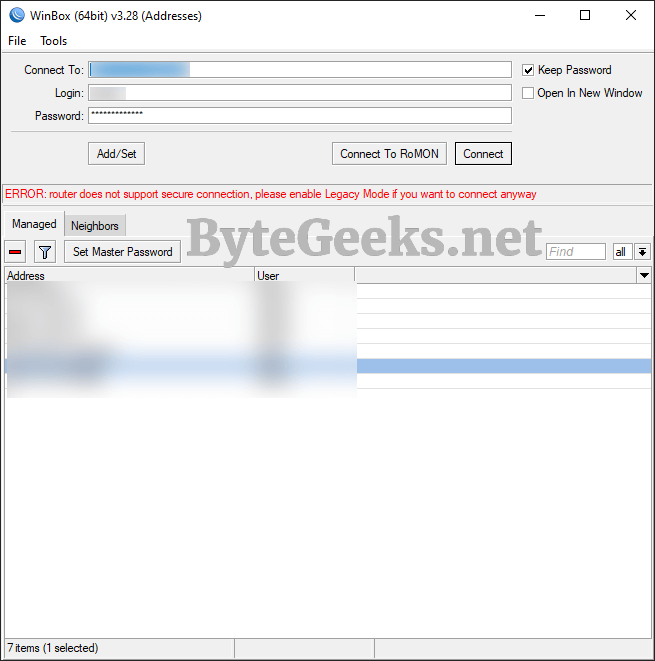
ERROR: Router does not support secure connection, please enable Legacy Mode if you want to connect anyway
About The Author

Redwan
Just your average IT guy talking about IT stuff.